


Computers have become a big part of daily life. People use them for work, school, gaming, online meetings, shopping, and staying connected with family and friends. When a computer stops working properly, it can interrupt everything you need to do.
Many computer problems fall into two main groups: hardware problems and software problems. Knowing the difference can help you understand what is happening with your device and when it is time to get professional help.
Some problems are easy to notice, like a cracked laptop screen or a computer that refuses to turn on. Others are less obvious, such as slow performance, programs crashing, or strange error messages. These issues can come from either damaged hardware or software that is not working correctly.
At iFix Deep Computer, we repair laptops, desktops, and custom gaming PCs. Our technicians carefully inspect every device to find the real cause of the problem before starting any repair. This helps save time and avoids replacing parts that are still working properly.
In this guide, you’ll learn about hardware versus software problems, key warning signs, common causes, and when your computer requires professional repair.
What Is Computer Hardware?
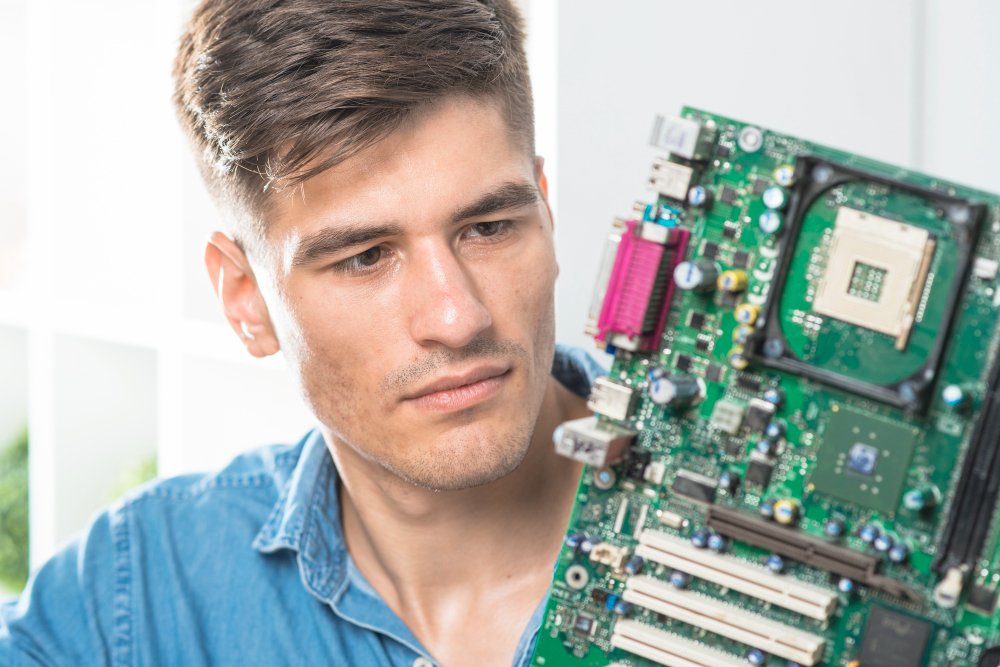
Hardware is every physical part of your computer that you can touch. These parts work together to power your system and keep everything running.
Some common hardware components include:
- Motherboard
- Processor (CPU)
- Graphics card (GPU)
- RAM (Memory)
- Hard drive or SSD
- Power supply
- Cooling fans
- Laptop battery
- Keyboard
- Touchpad
- Monitor or laptop screen.
- Speakers
- USB ports
- Wi-Fi card
If one of these parts becomes damaged or wears out over time, your computer may stop working correctly.
For example, a failing hard drive can make your computer freeze. A damaged battery may stop your laptop from holding a charge. A broken cooling fan can cause overheating, leading to poor performance or sudden shutdowns.
Since hardware problems involve physical parts, they often require replacement or repair.
What Is Computer Software?
Software is the collection of programs and files that tell your computer what to do. Unlike hardware, software cannot be touched.
Examples include:
- Windows
- Microsoft Office
- Google Chrome
- Antivirus software
- Games
- Drivers
- Mobile syncing software
- Photo editing programs
- Video editing software
Without software, your computer would simply be a collection of electronic parts.
Software controls how your computer starts, runs applications, connects to the internet, prints documents, and performs thousands of everyday tasks.
When software is damaged, outdated, or infected with malware, your computer can develop several problems while the hardware works perfectly.
How Hardware and Software Work Together
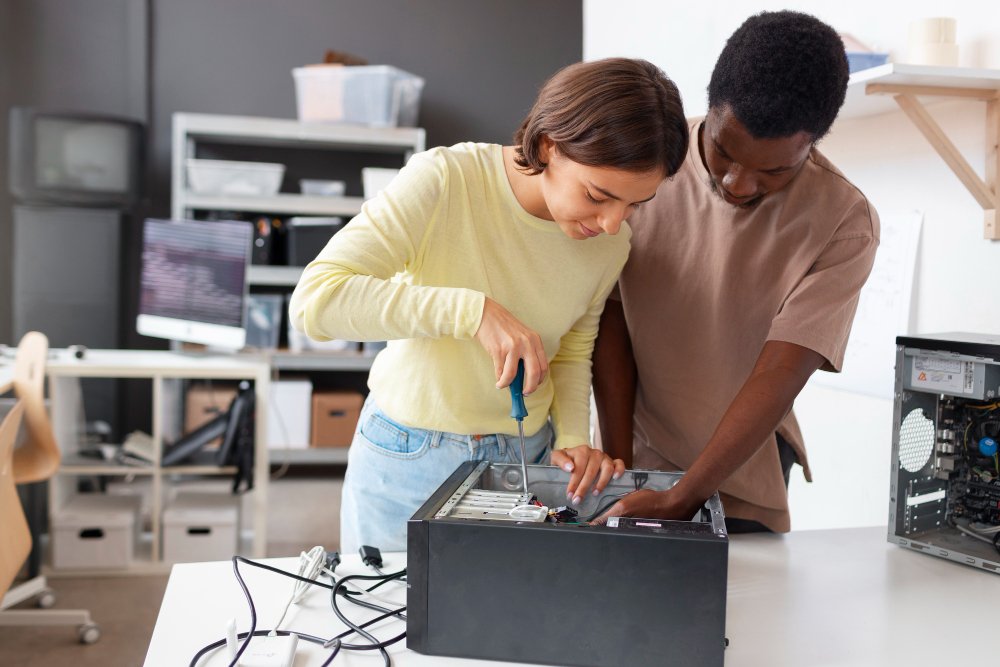
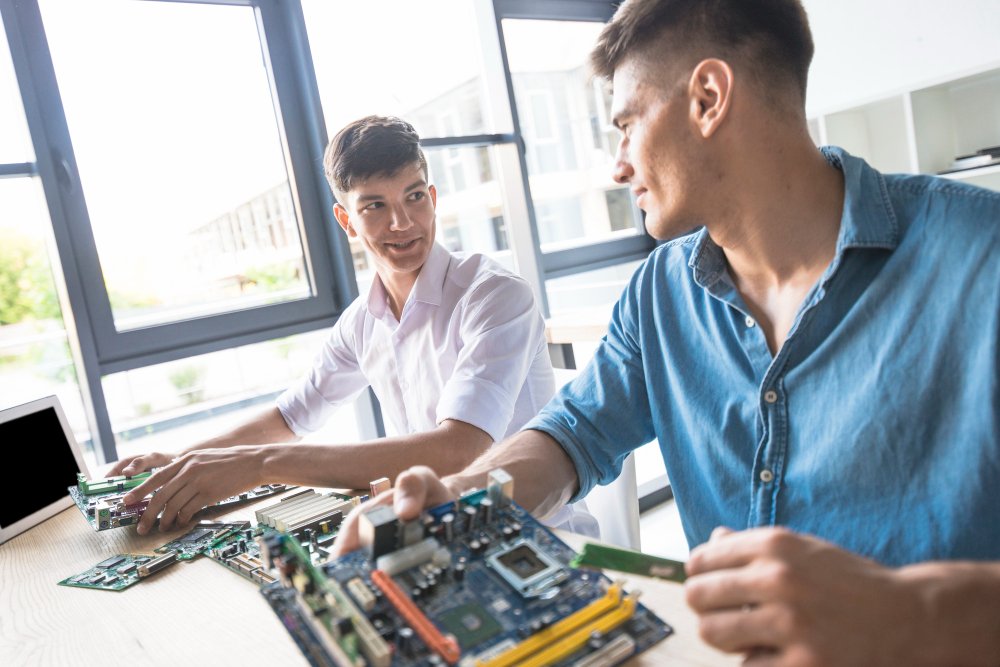
Think of hardware as the body and software as the instructions that tell the body what to do.
For example:
- You press the keyboard.
- The keyboard sends information to the motherboard.
- The processor reads the information.
- Windows processes the command.
- The monitor displays the result.
Every action depends on both hardware and software working together.
If either one develops a problem, your computer may stop working properly.
Common Signs of Hardware Problems
Many hardware issues become worse over time if they are ignored. Recognizing the warning signs early can help prevent larger repairs later.
Computer Will Not Turn On
If your computer does absolutely nothing when you press the power button, the problem may involve:
- Power supply
- Motherboard
- Battery
- Charging port
- Internal wiring
Professional testing is usually needed to identify the faulty component.
Strange Noises
Computers should run quietly.
If you hear:
- Clicking
- Grinding
- Buzzing
- Loud fan noise
there may be a hardware issue.
Clicking sounds often point to a failing hard drive, while loud fans may indicate overheating or dust buildup.
Overheating
A computer that becomes extremely hot can experience:
- Slow performance
- Random shutdowns
- Frozen screens
- Reduced battery life
Common causes include:
- Dust inside the system
- Faulty cooling fans
- Old thermal paste
- Blocked air vents
Cleaning the computer and repairing damaged cooling components can resolve many overheating problems.
Broken Screen
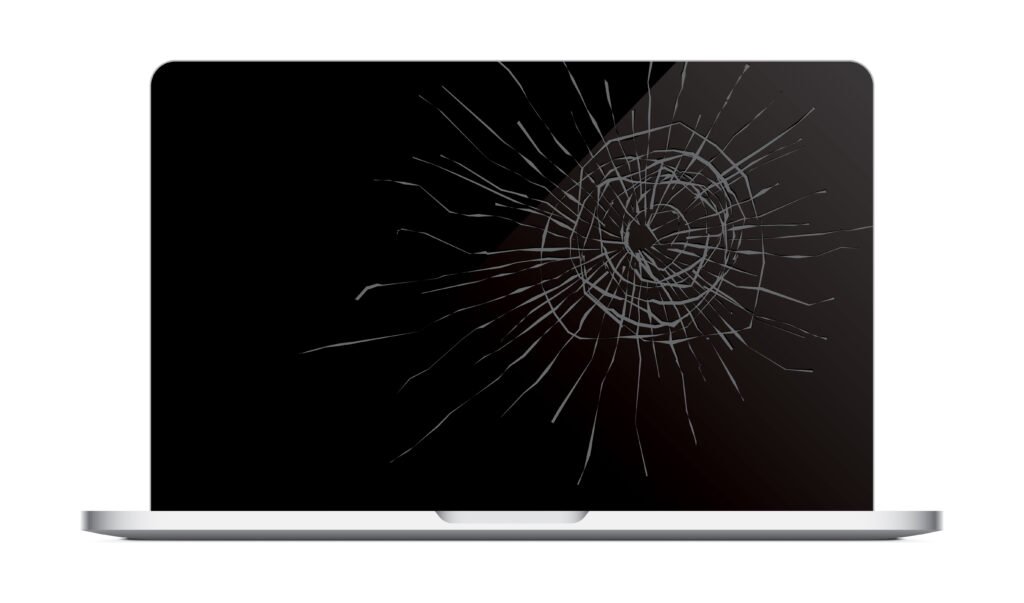
A cracked screen is one of the easiest hardware problems to identify.
Signs include:
- Black spots
- Flickering display
- Colored lines
- Dead pixels
- Completely black screen after physical damage
Screen replacement is usually the best solution.
Battery Problems
Laptop batteries naturally wear out over time.
Common symptoms include:
- Battery drains quickly
- Laptop only works while plugged in.
- Battery percentage changes suddenly
- Laptop shuts off unexpectedly.
Replacing the battery often restores normal performance.
USB Ports Stop Working
If your mouse, keyboard, flash drive, or other accessories stop connecting, the issue could be:
- Loose internal connection
- Damaged USB port
- Motherboard issue
Technicians can test the ports and repair or replace damaged parts.
Keyboard Problems
Hardware keyboard problems include:
- Keys not responding
- Missing keys
- Broken switches
- Liquid damage
Sometimes replacing individual keys is enough, while other times a complete keyboard replacement is required.
Common Signs of Software Problems
Software issues can often appear suddenly after installing updates, downloading programs, or changing system settings.
Slow Performance
One of the most common software problems is a slow computer.
Possible reasons include:
- Too many startup programs
- Outdated software
- Full storage drive
- Malware
- Background applications
Cleaning the system and removing unnecessary software often improves performance.
Programs Keep Crashing
Applications that suddenly close without warning may indicate:
- Corrupted files
- Software conflicts
- Missing updates
- Driver issues
Updating or reinstalling the software usually fixes the problem.
Frequent Error Messages
Random pop-up errors may point to:
- Missing system files
- Corrupted Windows installation
- Driver conflicts
- Damaged software
Professional diagnostics can identify the exact cause.
Computer Freezes
If your computer freezes while browsing, gaming, or working, software may be responsible.
Possible causes include:
- Driver conflicts
- Too many running applications
- Windows errors
- Malware infection
A proper system inspection helps determine the cause.
Internet Problems
Sometimes people assume their internet connection is bad when the real issue is software.
Examples include:
- Incorrect network settings
- Outdated Wi-Fi drivers
- Firewall conflicts
- VPN software problems
Correcting the software settings often restores the connection.
Virus or Malware Infection
Malicious software can create many problems, including:
- Slow performance
- Pop-up advertisements
- Missing files
- Browser redirects
- Disabled antivirus software
- Unwanted programs installing automatically
Running proper malware removal and securing the system helps protect your files and personal information.
Blue Screen Errors
Blue screen errors can be caused by both hardware and software.
Software-related causes include:
- Driver problems
- Windows update issues
- Corrupted system files
Hardware failures can also produce blue screens, which is why proper testing is important before replacing any components.
Hardware Problems vs Software Problems
Although many symptoms look similar, there are key differences.
| Physical damage | Program or system errors |
| Broken parts | Corrupted files |
| Often require replacement | Usually repaired through updates or reinstalling software |
| May produce unusual noises | Usually silent |
| Can prevent startup | Computer usually starts but works incorrectly |
| Often caused by wear and tear | Often caused by updates, malware, or software conflicts |
Understanding these differences helps you explain the problem more clearly when bringing your computer in for repair.
What Can Cause Hardware Problems?
Hardware problems happen for many reasons, including aging components, accidents, and poor maintenance.
Physical Damage
Dropping a laptop is one of the most common causes of hardware damage. A fall can crack the screen, damage the hard drive, loosen internal connections, or affect the motherboard.
Spilled drinks can also damage keyboards and other internal parts if liquid reaches the electronics.
Heat and Dust
Dust builds up inside computers over time. When fans and air vents become blocked, the system cannot cool itself properly.
Too much heat can damage important parts like:
- Processor (CPU)
- Graphics card (GPU)
- Motherboard
- SSD or hard drive
- Cooling fan
Regularly cleaning the inside of your computer helps reduce these risks.
Worn Out Parts
Every computer component has a lifespan.
Some parts naturally wear out after years of use, including:
- Laptop batteries
- Cooling fans
- Hard drives
- Charging ports
- Keyboards
Replacing worn parts before they fail completely can help prevent bigger repairs.
Power Problems
Power surges and sudden power outages can damage internal components.
Using a surge protector can help protect your desktop computer from unexpected electrical problems.
What Can Cause Software Problems?
Software issues are just as common as hardware failures.
Outdated Software
Using old versions of Windows or outdated programs can cause compatibility issues, crashes, and security problems.
Keeping your operating system and applications updated helps your computer run more smoothly.
Malware and Viruses
Viruses and other harmful software can affect your computer in many ways.
They may:
- Slow your computer
- Delete files
- Display unwanted pop-ups
- Steal personal information
- Prevent programs from opening.
Installing reliable security software and avoiding suspicious downloads can reduce these risks.
Too Many Programs Running
Many programs start automatically when Windows loads.
If too many applications run in the background, your computer may become slow and unresponsive.
Removing unnecessary startup programs can improve performance.
Corrupted Files
Sometimes files become damaged during updates, unexpected shutdowns, or software installation.
Corrupted files may stop programs from opening or cause Windows to behave unexpectedly.
Can Hardware and Software Problems Happen at the Same Time?
Yes.
Many computers have both hardware and software issues at the same time.
For example:
- An overheating laptop may also have outdated drivers.
- A failing hard drive may damage Windows files.
- A virus slows the computer, while an old battery causes unexpected shutdowns.
- Dust buildup may cause overheating while too many startup programs reduce speed.
This is why a full inspection is important. Fixing only one problem may not solve everything.
At iFix Deep Computer, we thoroughly diagnose every device to identify the root cause before repairs begin.
How Professionals Find the Real Problem
Guessing rarely fixes a computer.
Professional technicians use a step-by-step process to identify the cause.
This usually includes:
- Testing hardware components
- Running diagnostic software
- Checking storage health
- Testing memory (RAM)
- Monitoring system temperatures
- Looking for software conflicts
- Checking Windows system files
- Scanning for malware
- Reviewing error reports
This process helps avoid replacing parts that are still working properly.
Can You Fix the Problem Yourself?
Some small software issues can be handled at home if you know what you’re doing.
For example, you may be able to:
- Restart the computer
- Install Windows updates
- Remove unused programs
- Free up storage space
- Run a virus scan
- Update drivers
However, hardware repairs usually require special tools and experience.
Opening a laptop without proper knowledge can cause more damage, especially when working with:
- Motherboards
- Charging ports
- Processors
- Internal cables
- Display connectors
If you’re unsure about the cause of the problem, it’s safer to have the computer checked by a professional.
Tips to Prevent Hardware and Software Problems
Good maintenance can help your computer last longer and reduce the chance of unexpected repairs.
Here are a few simple habits to follow:
- Keep your computer clean.
- Remove dust from air vents regularly.
- Avoid blocking cooling vents.
- Keep drinks away from your laptop.
- Install Windows updates.
- Update important programs.
- Use antivirus protection.
- Back up important files regularly.
- Shut down your computer properly.
- Avoid downloading files from unknown websites.
- Use a surge protector for desktop computers.
- Replace old batteries before they completely fail.
These small steps can help keep your system running well for years.
When Should You Visit a Computer Repair Shop?
Some warning signs should not be ignored.
It’s a good idea to seek professional help if:
- Your computer won’t turn on.
- The screen is cracked.
- You hear clicking or grinding noises.
- The laptop becomes very hot.
- Programs keep crashing.
- Windows won’t load.
- The computer restarts by itself.
- You suspect virus or malware activity.
- Your gaming PC keeps shutting down.
- The problem keeps coming back after you’ve tried basic troubleshooting.
Getting the problem checked early can often prevent more expensive repairs later.
Why Proper Diagnostics Matter
Many computer problems look similar.
For example, a slow computer could be caused by:
- A failing hard drive
- Not enough RAM
- Malware
- Too many startup programs
- Overheating
- Driver problems
Replacing parts without knowing the real cause can waste both time and money.
A proper diagnostic process helps identify exactly what’s wrong so the right repair can be carried out.
Why Choose iFix Deep Computer?
At iFix Deep Computer, we work on laptops, desktop computers, and custom gaming PCs.
Our team focuses on identifying the root cause of the problem before starting any repairs.
When you bring your device to us, you can expect:
- Advanced computer diagnostics
- Hardware and software repairs
- Laptop screen replacement
- Battery replacement
- SSD and RAM upgrades
- Gaming PC builds
- Performance optimization
- Honest recommendations
- Quality replacement parts
- Affordable pricing
Our goal is simple. We want your computer running properly again so you can get back to work, school, gaming, or everyday tasks without unnecessary delays.
Conclusion
Hardware and software problems may seem similar at first, but they are very different. Hardware issues involve the physical parts inside your computer, while software problems affect the operating system and the programs your computer uses every day.
Knowing the difference can help you spot early warning signs and explain the problem more clearly when seeking repairs. It can also help you avoid replacing parts that are still working properly.
If your laptop, desktop, or gaming PC is running slowly, crashing, overheating, or refusing to start, don’t ignore the signs. A proper inspection can identify the cause before the problem becomes more serious.
At iFix Deep Computer, we provide careful diagnostics, quality repairs, and practical solutions for all kinds of computer problems. From hardware repairs to software troubleshooting and custom gaming PC builds, our team is here to help keep your devices working the way they should.